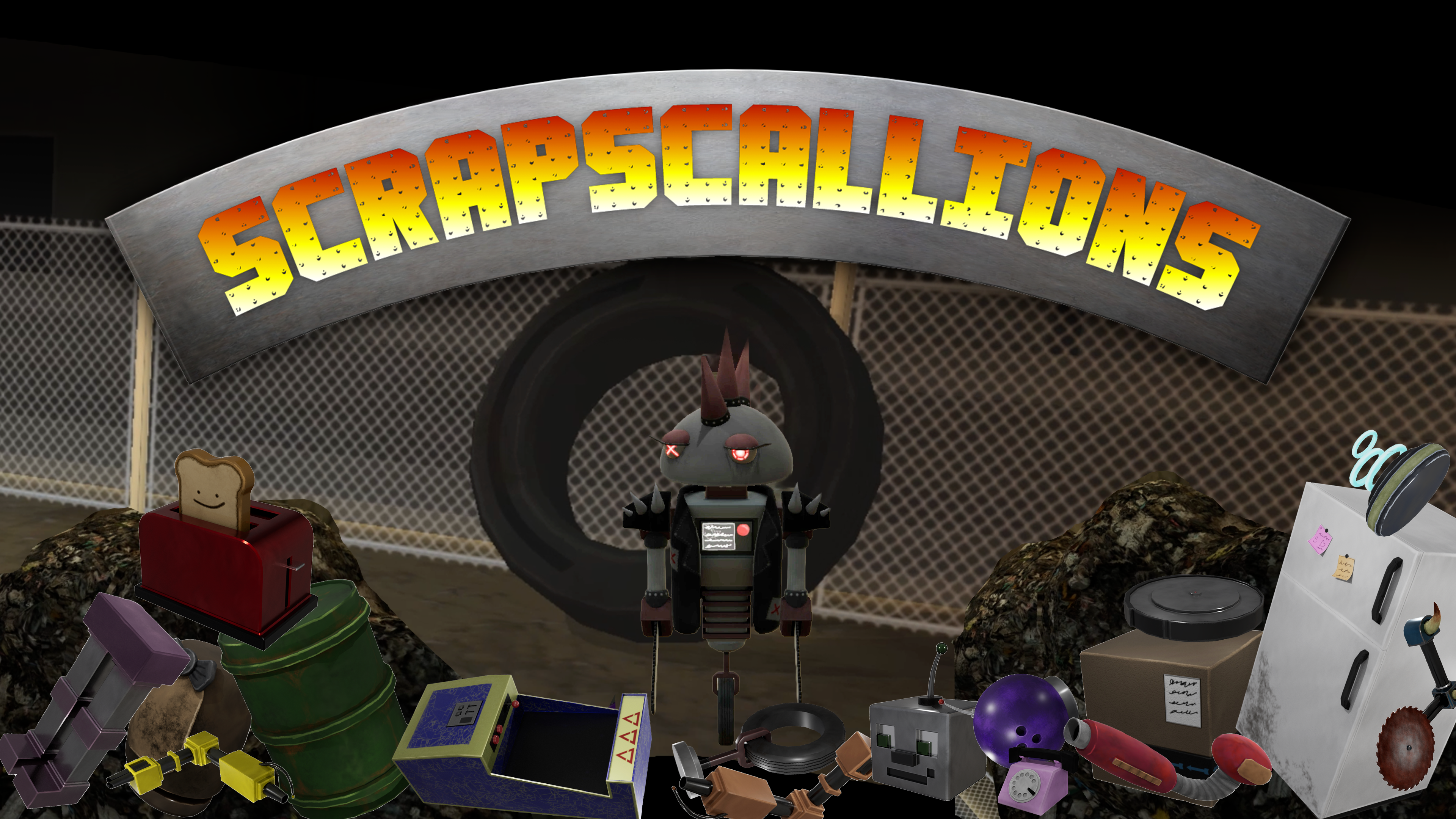
Scrapscallions is a singleplayer game where players build and battle robots in an arena. It features a robust Goal-Oriented Action Planning implementation, a modular robot system, and a responsive UI to tie it all together. I developed it as part of a team of 3 over the span of six months. It was created in Unity and its assets were made using tools such as Maya, Substance Painter, and Photoshop.
The premise for the game was that players would play as a young scavenger looking to move up in the world. Due to the wasteful habits of the privileged upper city, there is a surplus of parts available to scavengers in the lower city, so long as they are willing to chance the mad robots protecting the trash heap. With these scavenged robots, scavengers can battle in the arena to gain fame and fortune.
In order to create this project, we tailored SCRUM to our needs and assigned roles based on each person’s strengths. My role was centered around AI and system design, while the other two took on UI/UX and Art, respectively. While these were out focuses, we provided support to each other as needed. I found myself debugging issues with UI/system integration and helping with technical art.
There were a few design decisions that we found were critical for this game. One key decision was our choice to make the robots control themselves. We chose autonomy because it offered the feeling that robots are separate entities from the player. The AI had to be capable of adapting to modular parts and had to have modifiable behavior. To fit these requirements, I researched game AI systems to develop the system that made it into the final game. It uses a combination of steering behaviors and goal-oriented action planning that is described below.
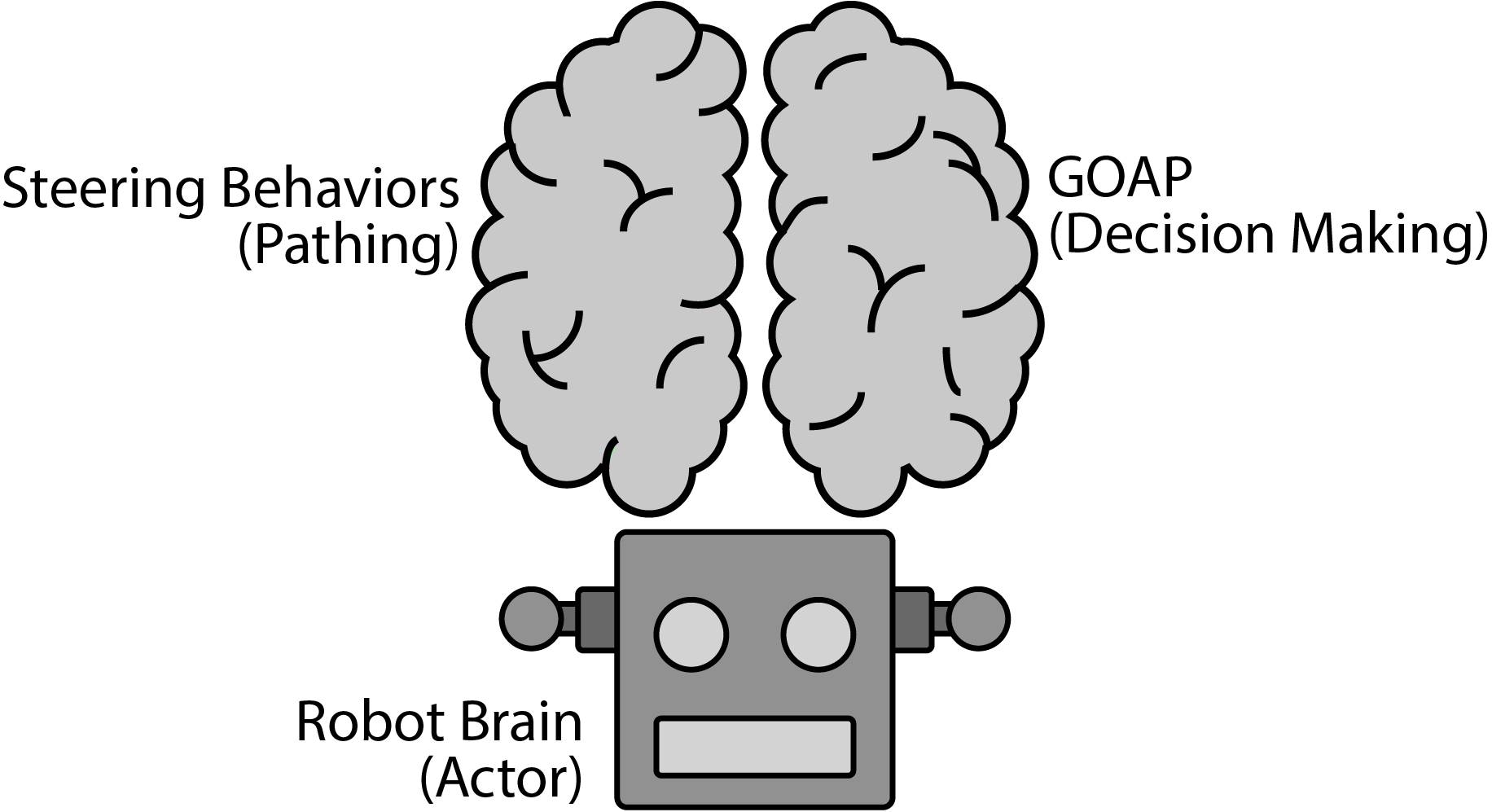
Most of my time developing the game went towards the AI and how it would make decisions and move around. I chose to design the AI so that it essentially had two lobes: steering behaviors and goal-oriented action planning. Steer behaviors acted as the agent’s more emotional lobe, where it granted the robot the ability to fight-fly-or-freeze. This lobe was dictated by the more logical GOAP half. Through GOAP, the AI was able to search a list of actions, via A*, and select the best actions for its goals. This made the AI’s behavior editable on runtime and responsive to the robot’s modular parts breaking.
The following code snippets demonstrate the update loops in a kinematic component and a GOAP agent. Both act as controllers that act upon the state of the robot using their given strategies. The steering behaviors act more like a state machine and are rigidly defined, while the GOAP agent’s actions are loosely defined and formed into an action plan.
public class CustomKinematic : Kinematic
{
    public RobotState robotState;
...
    private SteeringBehavior m_steeringInstance;
...
    protected override void Update() {
        // Update the upper limits for speed.
        maxSpeed = robotState.MaxSpeed;
        maxAngularVelocity = robotState.MaxAngularAcceleration;

        // Stay still if movement is disabled.
        if (!robotState.CanMove) {
            SteeringOutput stationary = new() {
                linear = Vector3.zero,
                angular = 0
            };
            steeringUpdate = stationary;
            base.Update();
            return;
        }

        // Get the active steering update.
        if (m_steeringInstance != null)
            steeringUpdate = m_steeringInstance.GetSteering(robotState);

        // Move the character.
        base.Update();
    }
 public class GoapAgent: MonoBehaviour {
...
    public SerializableHashSet<AgentAction> actions;
    public SerializableHashSet<AgentGoal> goals;
...
    private void Update() {
    ...
        // Calculate an action plan when there is no current action.
        if (currentAction == null) {
            CalculatePlan();

            if (actionPlan != null && actionPlan.Actions.Count > 0) {
                robot.State.ResetPath();

                currentGoal = actionPlan.AgentGoal;
                currentAction = actionPlan.Actions.Pop();

                if (currentAction.Preconditions.All(b => b.Evaluate()))
                    currentAction.Start();
                else {
                    currentAction = null;
                    currentGoal = null;
                }
            }
        }

        if (actionPlan != null && currentAction != null) {
            // Update the current action on this frame.
            currentAction.Tick(Time.deltaTime);

            // Clear the action when it finishes
            if (currentAction.IsComplete) {
                currentAction.Stop();
                currentAction = null;

                // Clear the goal if the current plan is empty.
                if (actionPlan.Actions.Count == 0) {
                    lastGoal = currentGoal;
                    currentGoal = null;
                }
            }
        }
    }
}